Where permitting slows a project down
- Status lives in your inbox
- Permit numbers, plan check comments and fee notices are spread across portal emails and spreadsheets, so answering "where are we?" means digging.
- Clients keep asking for updates
- Owners and consultants want to know whether the permit is out yet, and every answer is another status email written by hand.
- A missed permit costs weeks
- Learning late that a project also needs a grading, demolition or fire permit pushes the schedule, sometimes after the construction documents are done.
How Permitful fits an architecture practice
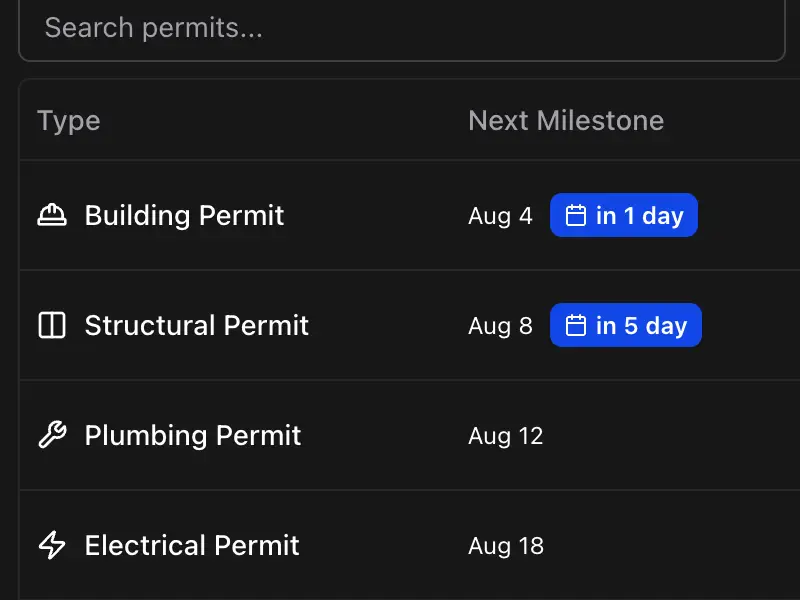
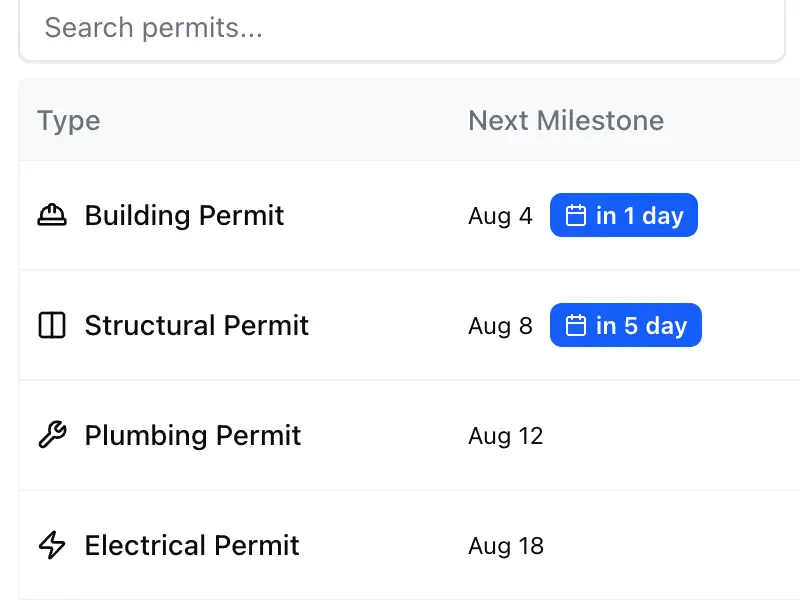
Every permit's status in one place
Log permit numbers, fees and status per project. Each permit is marked phase 1 (zoning and land use) or phase 2 (plan review), and one click adds the standard milestones for its type, such as plan check comments and resubmittal for a building permit.
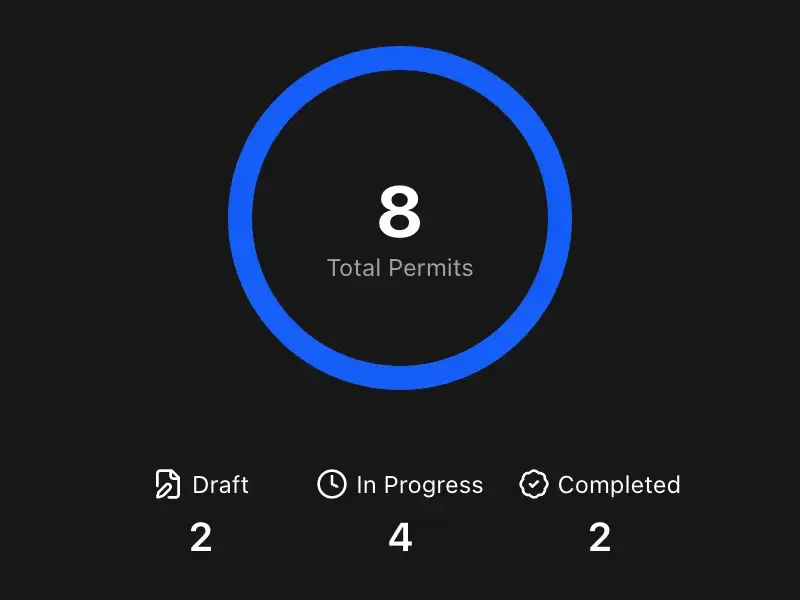
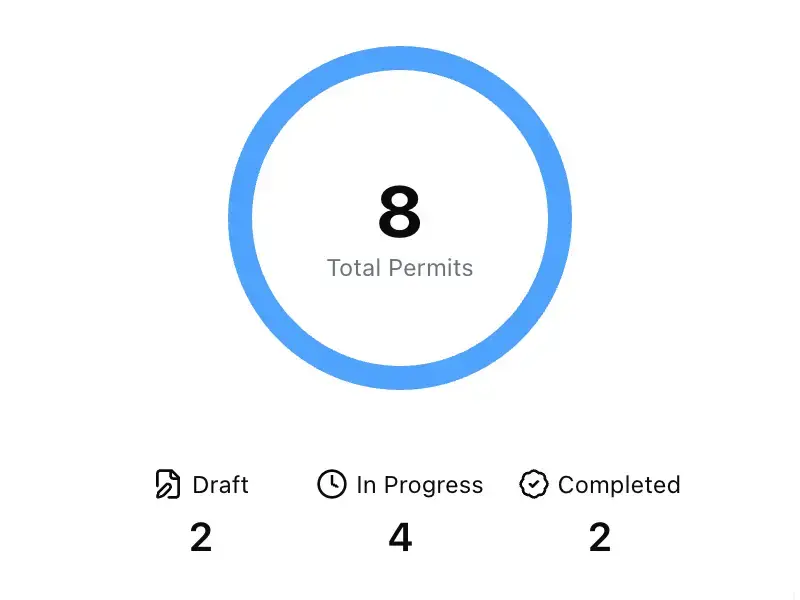
A live dashboard for every client
Share one link per project. Clients and consultants see permit status, milestones and fees without logging in, while private milestones and your notes stay internal. Included with Pro.
Know what a project needs up front
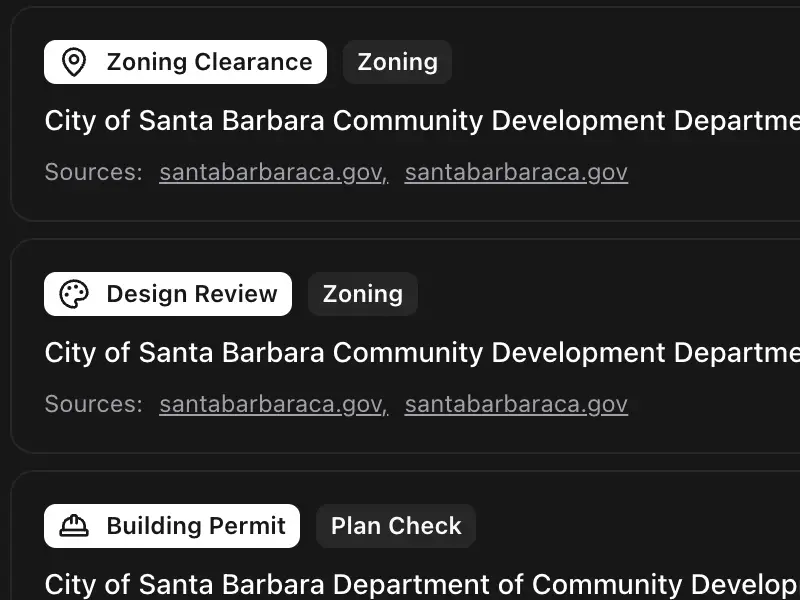
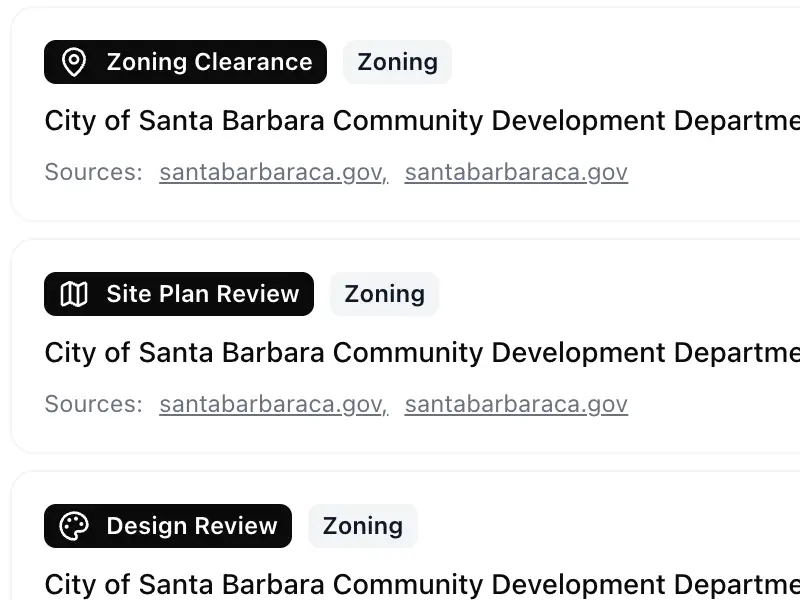
Enter the project type and a US address and Permit Advisor searches official .gov sources for that city, then suggests the permits to track with links to the pages it used.
Questions architects ask
How does Permit Advisor work?
Permit Advisor uses AI and real-time web search to automatically suggest all the permits you need for your project based on your project type and location. When you create a new project, Permit Advisor analyzes your project details and recommends permits you might need—helping you avoid missing critical permits. Free accounts get one run to try it, and Pro runs it on every project.
Do I need to integrate with city permit portals?
No integration required. Permitful works alongside any city's permit system. You manually enter permit information and milestones, and Permitful helps you organize and track everything in one place. This works with any city's portal, whether it's Accela, ProjectDox, Austin Build + Connect, or any other system.
Can clients see sensitive project information?
You have full control over what clients see. You can make projects public or private at any time, and mark any milestone private to keep it off the dashboard, so internal reminders stay internal. Milestone notes and permit descriptions are never shown to clients. You can also include a link to your current drawing set if you choose.
Can my whole team use Permitful?
Each Permitful account belongs to one person, so each person who tracks projects signs up for their own account. To keep colleagues, consultants and clients up to date on a project, share its live public dashboard, which is included with Pro.