Why a full caseload gets hard to track
- A dozen portals, no single view
- Each jurisdiction has its own portal, login and notification format, and the only complete picture is a spreadsheet you update by hand.
- Status reports eat the day
- Architects, owners and contractors all want to know where their permit stands, and each of them gets their own email.
- Scoping a job takes research
- Before you can quote, you need to know which permits the job involves in that city, which means another hunt through the building department website.
How Permitful fits an expediting practice
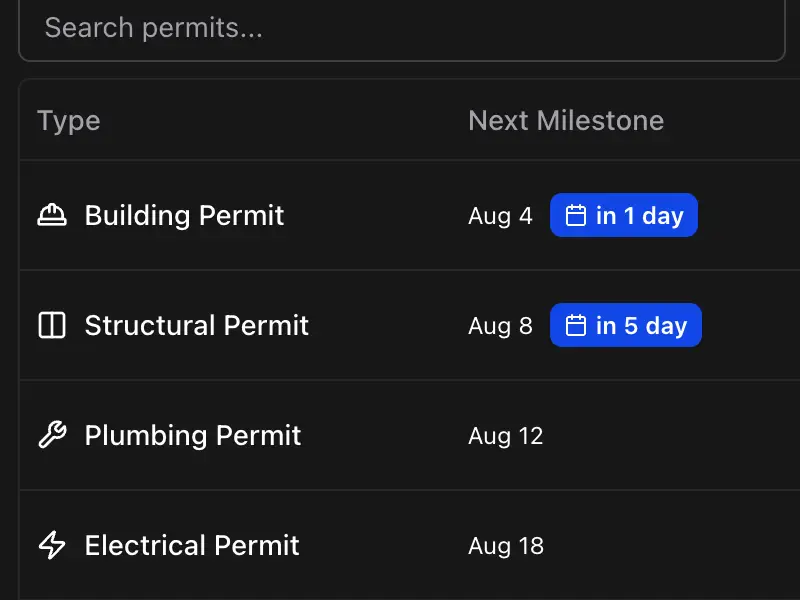
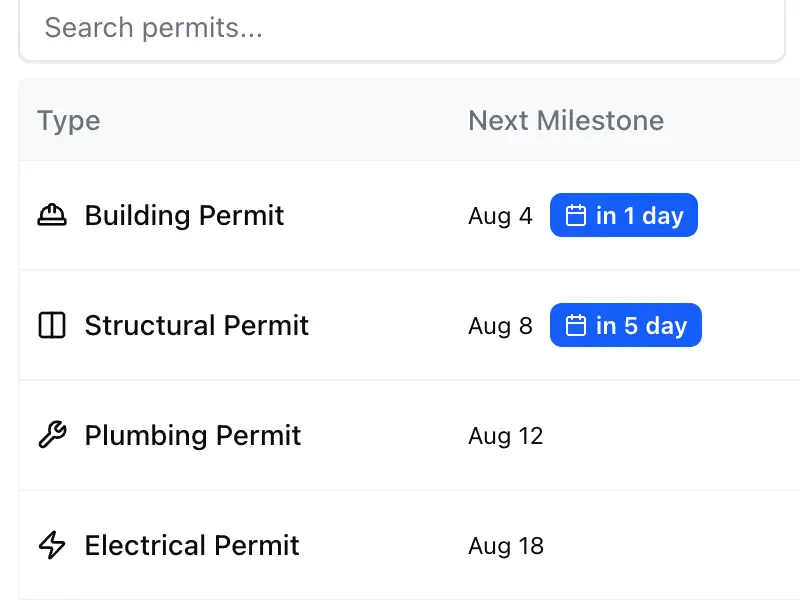
Your whole caseload, sorted by what is due
One list of every permit across every client project, ordered by next milestone so the most urgent is on top. Search it or filter by phase, and on each permit add standard milestones in one click and export them to Google Calendar or Outlook.
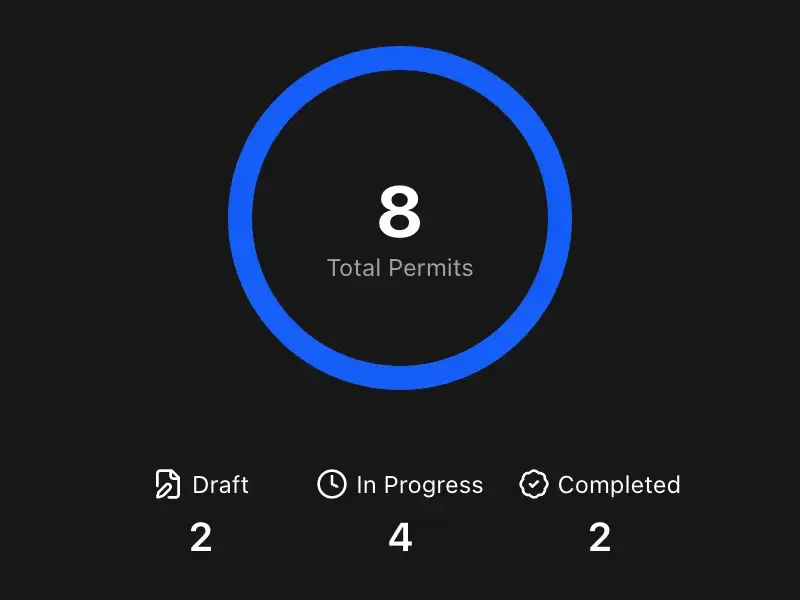
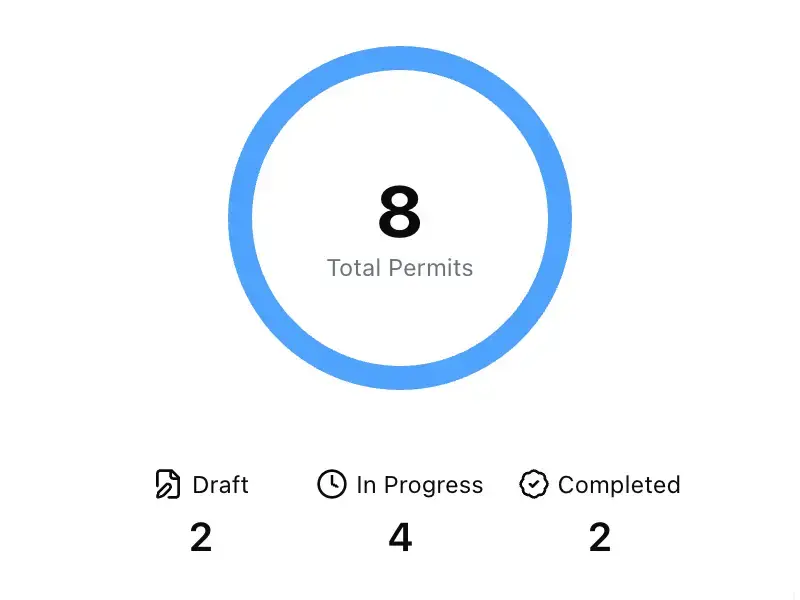
A status page for each client
Turn on a project dashboard and send the link. Each client sees permit status, milestones and fees for the project you shared, without logging in. Private milestones and your notes never appear. Included with Pro.
Scope a new job in minutes
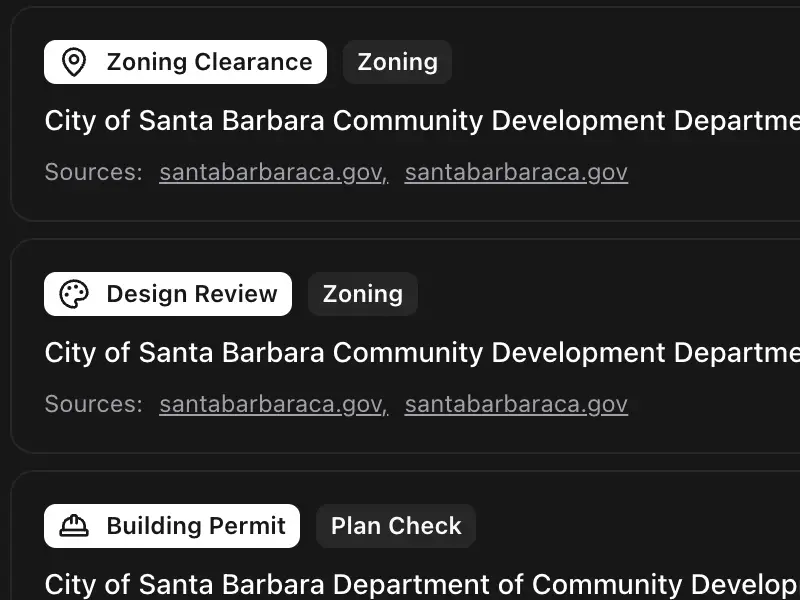
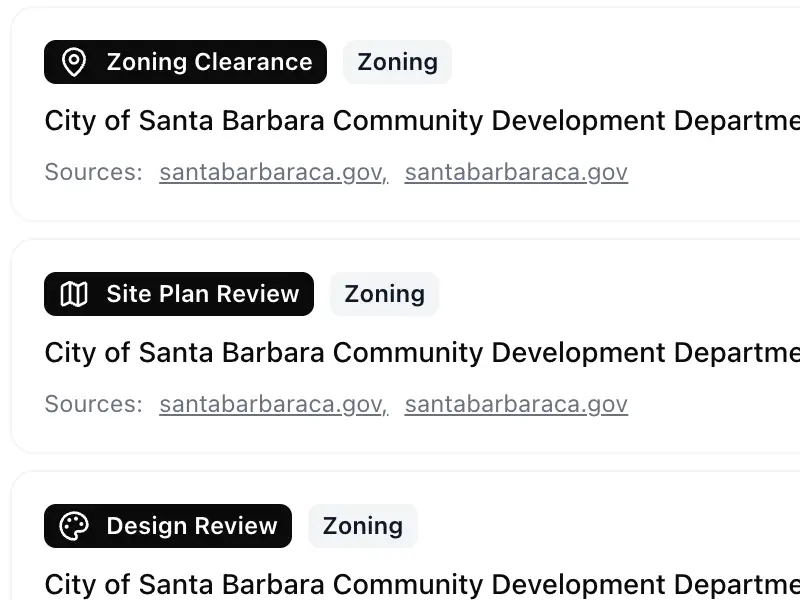
Enter the project type and a US address and Permit Advisor checks official .gov sources for that city, then lists the permits the job likely needs with links to verify each one.
Questions expeditors ask
Can one client see another client's projects?
No. Each project has its own dashboard with its own private link, and a client only sees the projects whose links you send them. Dashboards are hidden from search engines, and you can switch any of them back to private at any time.
Can I track permits from multiple cities?
Yes! That's one of Permitful's key features. You can track permits from any city or jurisdiction in one centralized dashboard. Whether you have projects in San Diego, Los Angeles, Austin, or any other city, you can manage them all from your Permitful account.
Do I need to integrate with city permit portals?
No integration required. Permitful works alongside any city's permit system. You manually enter permit information and milestones, and Permitful helps you organize and track everything in one place. This works with any city's portal, whether it's Accela, ProjectDox, Austin Build + Connect, or any other system.
How many projects can I track?
The free plan includes one active project, and archived projects don't count toward it. Pro includes unlimited projects, so whether you have 5 projects or 500, Permitful scales with your practice. Each project can have multiple permits, and each permit can have multiple milestones.
Can my whole team use Permitful?
Each Permitful account belongs to one person, so each person who tracks projects signs up for their own account. To keep colleagues, consultants and clients up to date on a project, share its live public dashboard, which is included with Pro.